

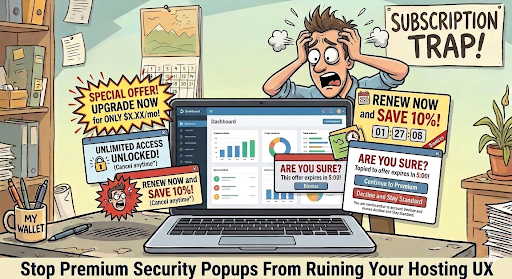
Nothing breaks your workflow faster than constant premium security popups flashing across your web hosting panel. Constant hosting security popups can quickly turn a simple website management task into a frustrating experience. You log in to update your website, check a database, or manage routine settings, only to find banners warning about security risks while encouraging you to purchase a premium upgrade.
Some security alerts are important and require immediate attention. Others may simply promote optional security products. The real problem begins when promotional messages look like critical warnings, making it difficult to understand what actually requires action.
A good hosting control panel should make website and server management simple. Security notifications should be clear, relevant, and actionable.
When a hosting dashboard is crowded with promotional banners, warning icons, and repeated upgrade messages, users can experience alert fatigue. Over time, they may start ignoring notifications altogether—including the ones that actually matter.
So, how can you tell the difference?
Genuine Security Alert | Promotional Security Message |
Identifies a specific security issue | Promotes an additional service |
Provides technical details | Focuses mainly on upgrading |
Identifies malware, vulnerabilities, or suspicious activity | May not identify an active threat |
Recommends a specific action | Encourages purchasing a plan |
Before paying for an upgrade, check what the notification is actually reporting.
Effective web hosting security relies on multiple layers of protection. Depending on your provider and hosting plan, important security features may include:
Premium security isn’t automatically unnecessary. Advanced malware removal, DDoS protection, vulnerability monitoring, managed security, and specialist support can provide real value for websites that need additional protection.
The key is transparency. Users should understand what protection they already have, what an alert means, and what they are paying extra for.

Start by checking your account, dashboard, or notification settings to see whether promotional messages can be disabled while keeping important security alerts active.
If constant upselling continues to interfere with website management, it may be time to consider a hosting provider that prioritizes a cleaner and more transparent experience.
Hostagle focuses on straightforward web hosting without turning routine website management into a constant sales pitch. Choose hosting that helps you focus on your website—not unnecessary distractions.
Lorem ipsum dolor sit amet, consectetur adipiscing elit, sed do eiusmod tempor incididunt ut labore et dolore magna aliqua. Ut enim ad minim veniam, quis nostrud exercitation.